
morphcad - Everything but inaccurate!


morphcad finally makes planning easy.
morphcad enables you to create accurate and detailed models from point clouds with only 11 simple commands. Our intuitive software integrates seamlessly into BricsCAD and enhances your workflow without interruption. Increase your productivity in 2D, 3D, and BIM and take advantage of the advanced features of morphcad.
Why morphcad?
Click on the tabs to learn more
Why morphcad?
Click on the tabs to learn more
Precise modeling from point clouds
Seamless integration in BricsCAD
Versatile applications
Precise modeling from point clouds
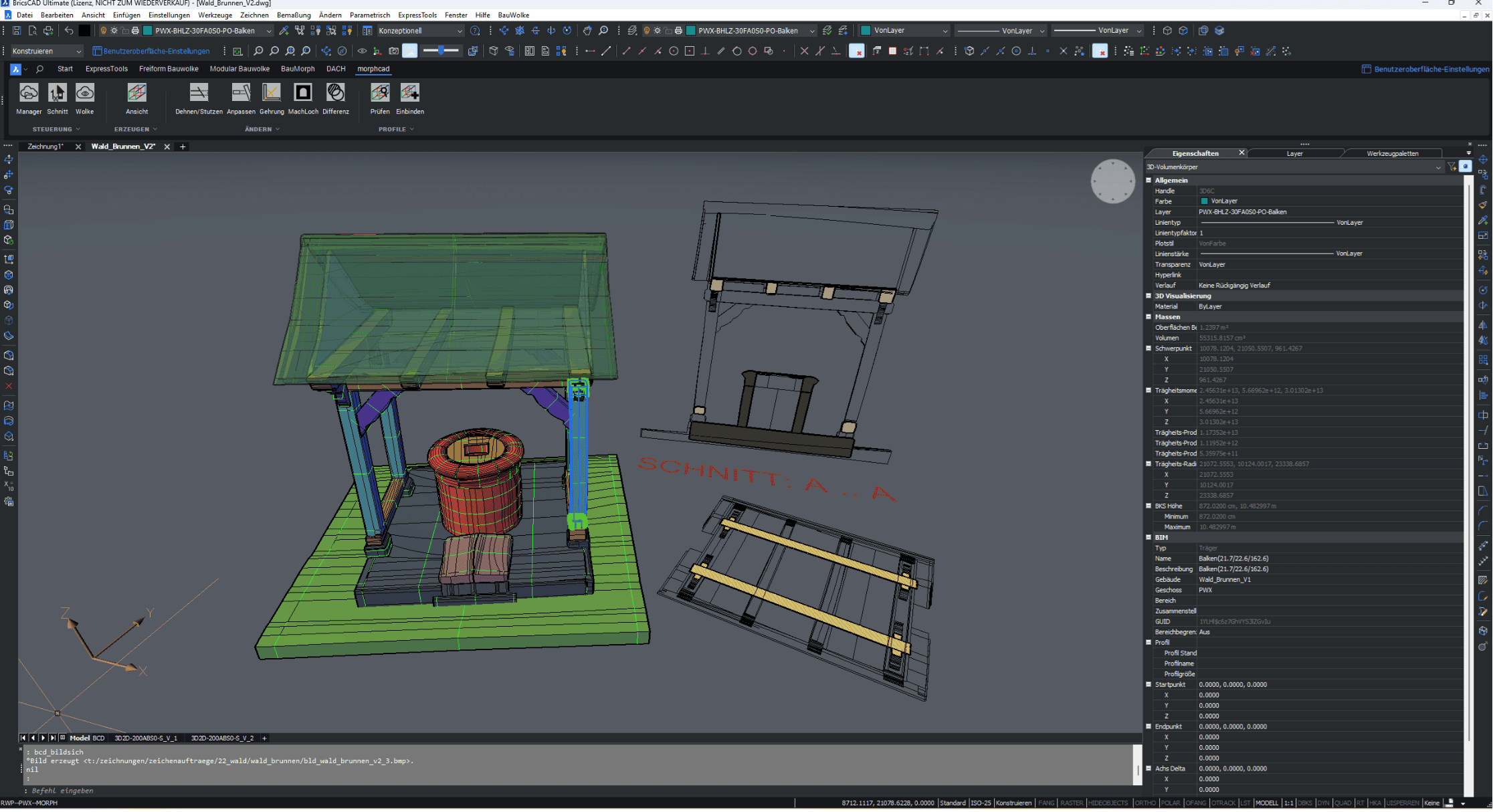
Complex point clouds are effortlessly transformed into precise 3D models.
morphcad enables efficient and precise modeling of existing buildings directly from point clouds. With just 11 specially developed commands, architectural and structural data can be easily extracted and transferred into CAD models—without time-consuming detours. This significantly accelerates the recording of existing structures and simultaneously elevates it to a new level of accuracy.
Precise modeling from point clouds
Seamless integration in BricsCAD
Versatile applications
Precise modeling from point clouds
Complex point clouds are effortlessly transformed into precise 3D models.
morphcad enables efficient and precise modeling of existing buildings directly from point clouds. With just 11 specially developed commands, architectural and structural data can be easily extracted and transferred into CAD models—without time-consuming detours. This significantly accelerates the recording of existing structures and simultaneously elevates it to a new level of accuracy.
Planning reimagined. Intelligent geometry. Flexible modeling.
11 Commands – Endless Possibilities
morphcad enables parametric modeling of free geometries with only 11 intuitive commands – lean, efficient, and precise. This makes it easy to control even complex structures, adapt flexibly, and integrate seamlessly into existing CAD processes.
Planning reimagined. Intelligent geometry. Flexible modeling.
11 Commands – Endless Possibilities
morphcad enables parametric modeling of free geometries with only 11 intuitive commands – lean, efficient, and precise. This makes it easy to control even complex structures, adapt flexibly, and integrate seamlessly into existing CAD processes.

Reduced Complexity
Only 11 intuitive commands – for maximum control with minimal effort.
Reduced Complexity
Only 11 intuitive commands – for maximum control with minimal effort.
Parametric Flexibility
Models can be dynamically adjusted at any time, without having to start over.
Parametric Flexibility
Models can be dynamically adjusted at any time, without having to start over.
Free-form geometry made easy
Even complex, organic structures can be modeled precisely and based on rules.
Free-form geometry made easy
Even complex, organic structures can be modeled precisely and based on rules.
Seamless CAD Integration
Easy exchange with common CAD systems thanks to well-thought-out interfaces.
Seamless CAD Integration
Easy exchange with common CAD systems thanks to well-thought-out interfaces.
Precise planning from point cloud
11 commands and you have achieved your goal - a perfect result from a point cloud
morphcad allows you to create deformation-accurate and detailed models from point clouds with just 11 simple commands. Our intuitive software integrates seamlessly into BricsCAD and enhances your workflow without interruption. Boost your productivity in 2D, 3D, and BIM and take advantage of the advanced features of morphcad.
Precise planning from point cloud
11 commands and you have achieved your goal - a perfect result from a point cloud
morphcad allows you to create deformation-accurate and detailed models from point clouds with just 11 simple commands. Our intuitive software integrates seamlessly into BricsCAD and enhances your workflow without interruption. Boost your productivity in 2D, 3D, and BIM and take advantage of the advanced features of morphcad.
Manager


Open the context menu to import the point cloud file into the CAD program.
Manager
Open the context menu to import the point cloud file into the CAD program.
Manager
Open the context menu to import the point cloud file into the CAD program.
Cut
Creates a cut in the 3D object with any variable cutting depth.
Cut
Creates a cut in the 3D object with any variable cutting depth.
Cut
Creates a cut in the 3D object with any variable cutting depth.
Cloud

Toggles the point cloud in the view on and off. Helpful to better see what the user has drawn, for example, when modeling.
Cloud
Toggles the point cloud in the view on and off. Helpful to better see what the user has drawn, for example, when modeling.
Cloud
Toggles the point cloud in the view on and off. Helpful to better see what the user has drawn, for example, when modeling.
Morph
The core command of morphcad. This command initiates the modeling of a deformed component. After starting this command, the program guides the user through the additional necessary steps to create a 3D volume.
Morph
The core command of morphcad. This command initiates the modeling of a deformed component. After starting this command, the program guides the user through the additional necessary steps to create a 3D volume.
Morph
The core command of morphcad. This command initiates the modeling of a deformed component. After starting this command, the program guides the user through the additional necessary steps to create a 3D volume.
Stretching/Pruning
This command can be used to extend or shorten modeled 3D solids. For example, it can be set to a user-defined point or to another solid.
Stretching/Pruning
This command can be used to extend or shorten modeled 3D solids. For example, it can be set to a user-defined point or to another solid.
Stretching/Pruning
This command can be used to extend or shorten modeled 3D solids. For example, it can be set to a user-defined point or to another solid.
Customize
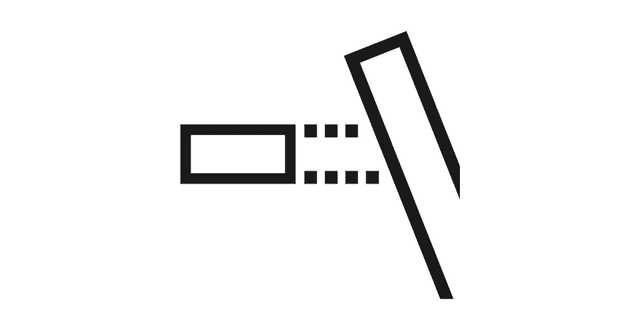
In the intersection area of two or more solids, the user can use this command to specify which solid is the "dominant" one and adjust its shape accordingly. For example, for the indentation of rafters that rest on a continuous ridge beam.
Customize
In the intersection area of two or more solids, the user can use this command to specify which solid is the "dominant" one and adjust its shape accordingly. For example, for the indentation of rafters that rest on a continuous ridge beam.
Customize
In the intersection area of two or more solids, the user can use this command to specify which solid is the "dominant" one and adjust its shape accordingly. For example, for the indentation of rafters that rest on a continuous ridge beam.
Miter
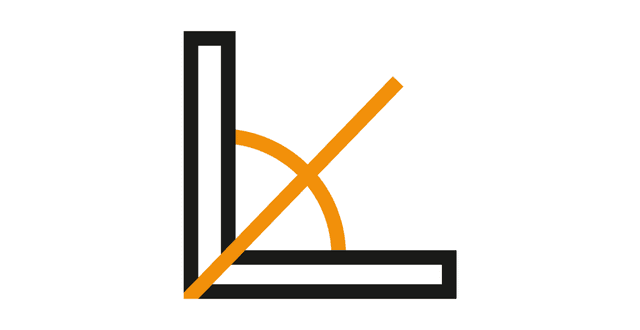
Connects two solids with a miter joint. The solids are automatically stretched and cut to miter.
Miter
Connects two solids with a miter joint. The solids are automatically stretched and cut to miter.
Miter
Connects two solids with a miter joint. The solids are automatically stretched and cut to miter.
MakeHole
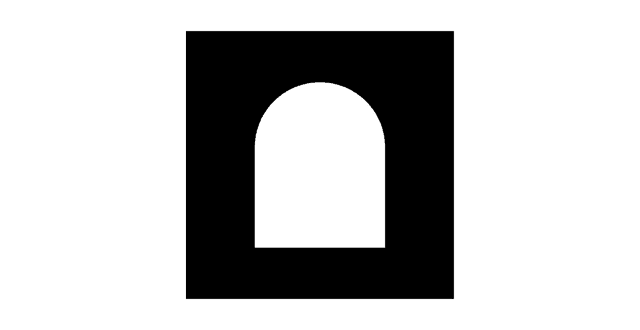
Command to create a hole or depression with a freely definable depth in a solid object. Useful, for example, for window/door openings or dowel holes in wood. A user-defined closed 2D polyline is projected through the previously selected solid in the Z direction of the coordinate system to create the cutout.
MakeHole
Command to create a hole or depression with a freely definable depth in a solid object. Useful, for example, for window/door openings or dowel holes in wood. A user-defined closed 2D polyline is projected through the previously selected solid in the Z direction of the coordinate system to create the cutout.
MakeHole
Command to create a hole or depression with a freely definable depth in a solid object. Useful, for example, for window/door openings or dowel holes in wood. A user-defined closed 2D polyline is projected through the previously selected solid in the Z direction of the coordinate system to create the cutout.
Difference
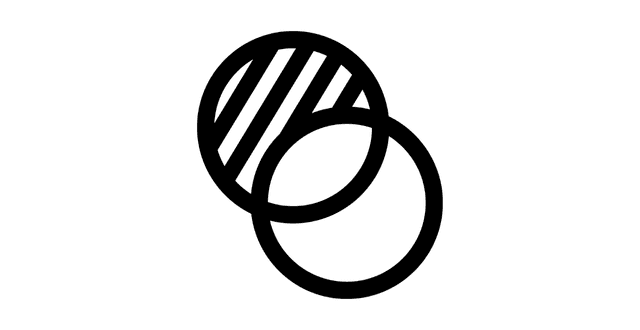
This command can be used to remove the intersecting volume of two solids to avoid overlaps.
Difference
This command can be used to remove the intersecting volume of two solids to avoid overlaps.
Difference
This command can be used to remove the intersecting volume of two solids to avoid overlaps.
Check
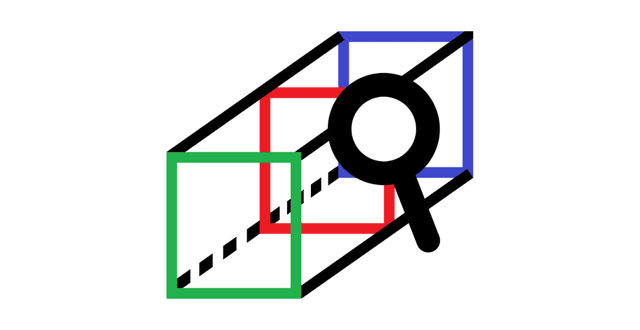
Based on the "Morph" command, already created 3D solids can be further refined and precisely traced by adding additional 2D profiles.
Check
Based on the "Morph" command, already created 3D solids can be further refined and precisely traced by adding additional 2D profiles.
Check
Based on the "Morph" command, already created 3D solids can be further refined and precisely traced by adding additional 2D profiles.
Your No. 1 CAD partner in Germany
Let us find the ideal CAD package for you - start now!
With our CAD experts, you're guaranteed to find the right solution – and always receive first-class support.
Your No. 1 CAD partner in Germany
Let us find the ideal CAD package for you - start now!
With our CAD experts, you're guaranteed to find the right solution – and always receive first-class support.
Your No. 1 CAD partner in Germany
Let us find the ideal CAD package for you - start now!
With our CAD experts, you're guaranteed to find the right solution – and always receive first-class support.
Contact us
Do you need advice, training, or support? Contact us via the form. We are here for you!


Optimize your design processes with BricsCAD, increase efficiency and reduce costs with our CAD software solutions.
Contact us
Do you need advice, training, or support? Contact us via the form. We are here for you!
Optimize your design processes with BricsCAD, increase efficiency and reduce costs with our CAD software solutions.
Contact us
Do you need advice, training, or support? Contact us via the form. We are here for you!
Optimize your design processes with BricsCAD, increase efficiency and reduce costs with our CAD software solutions.