

Scan-to-BIM
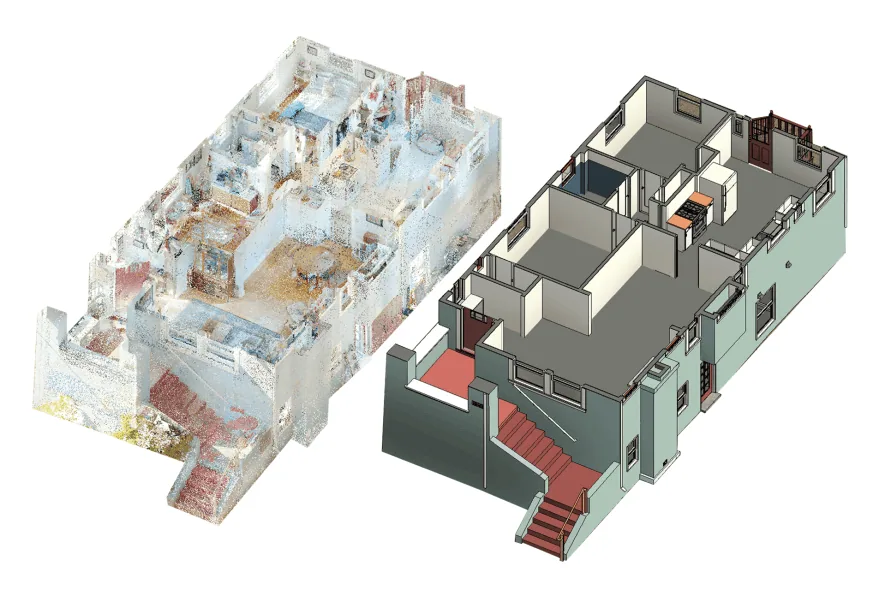
We turn point clouds
into building models.
You have scan data; we turn it into precise, structured BIM models—as a foundation for planning, renovation, and facility management. Efficient, quality-assured, and in your format.
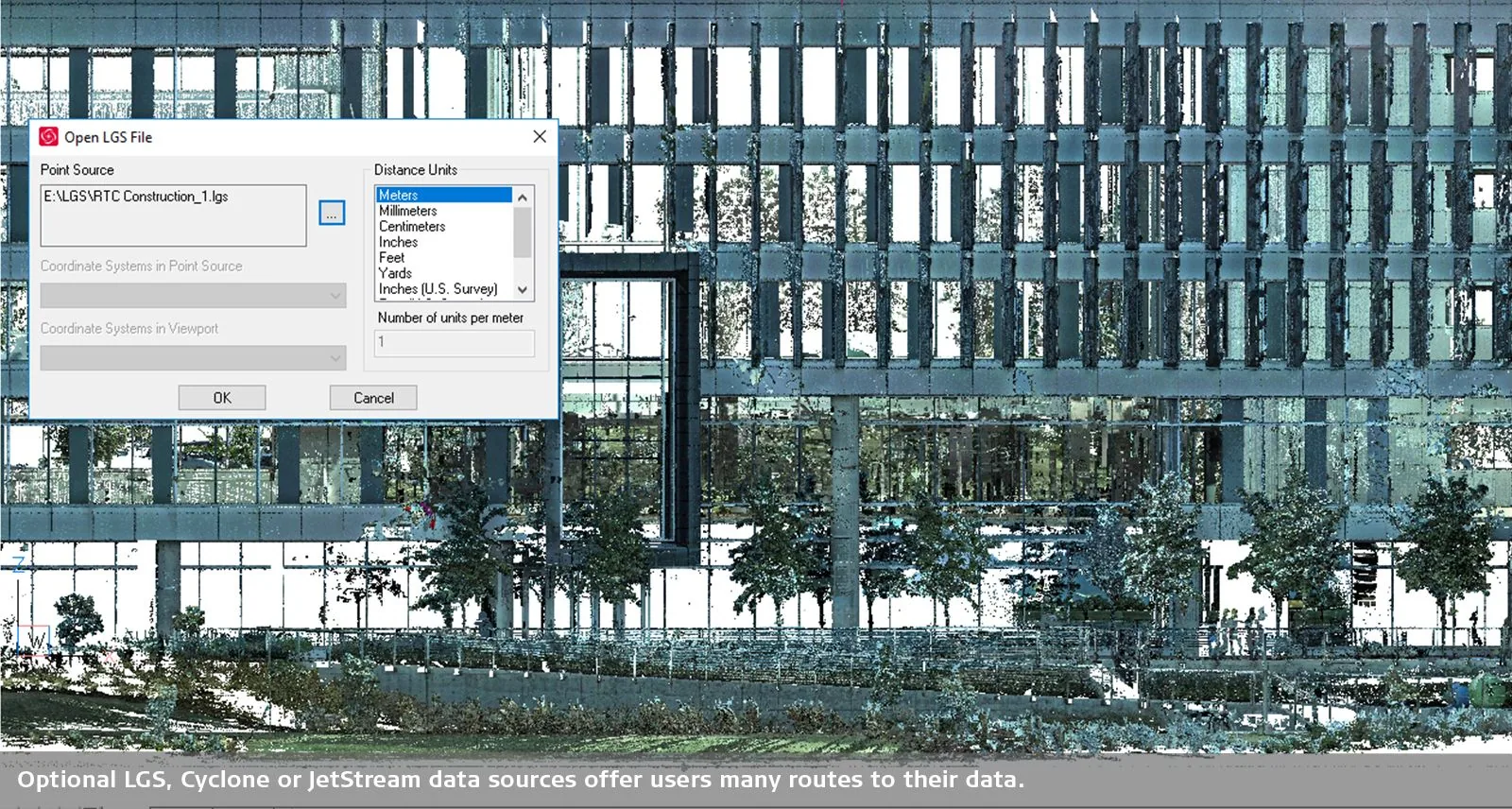
From Scan to Model
Here’s how your BIM model is created.
- 01
Import & Analysis
We accept your point clouds—for example, in .e57, .rcp, .las, or .xyz formats—and review them.
- 02
Formatting
Scan data is cleaned, registered, and aligned.
- 03
Modeling
Precise 3D models in Revit®, BricsCAD® BIM, Archicad®, or IFC—with a level of detail (LOD) ranging from 100 to 400.
- 04
Review & Delivery
BIM data check and clash detection, with optional classification according to DIN 276 or IFC. Delivery in native format and/or as IFC.
At a Glance
Formats and Services.
Home
Output
Level of detail
Extras
Important: We do not scan on-site; instead, we process your existing scan data. This saves both time and money.
Your Benefits
Why choose us for Scan-to-BIM.
Cost-effective
No on-site appointment necessary.
High-precision
Professional modeling by experienced BIM experts.
Quick
On-time delivery, clearly planned.
Appropriate
Tailored to your requirements and your software.
Customer Testimonials
What Customers Say About Us
“The training helped me expand my knowledge of BricsCAD, which has made my work easier. I’m already looking forward to the next training session!”
“It was explained well, and then we tried it out and practiced. Questions were answered effectively. Plus, we received lots of tips and information.”
“A structured approach, strong technical expertise, and a good balance between explanations and exercises.”
“The instructor was very organized, well-prepared, addressed all questions in detail, and, if he didn’t know the answer right away, found it during the breaks.”
“For me, it was supposed to be a refresher on AutoCAD and a chance to learn about the similarities to BricsCAD—and that’s exactly what I got.”
“The well-structured instruction throughout the entire training. Questions were answered competently and promptly. All in all, a very good training course.”
“They addressed my specific questions directly. The experience was pleasant and friendly—which isn’t always a given these days.”
“Ideal for anyone new to the world of 3D. All the basics, tips, and tricks are explained in detail, and all questions are answered.”
Do you have scan data?
Send us a brief description. We’ll get back to you with an assessment and a quote.